Back to videos


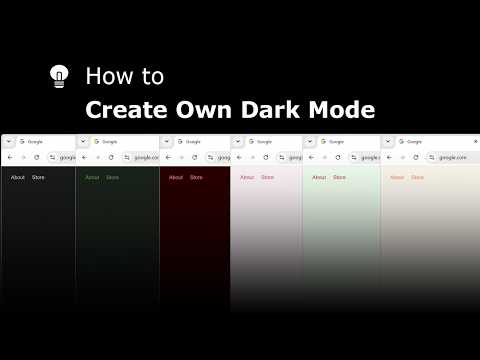

🔵How to change the layer color in the 'Turn Off the Lights for Desktop' Windows 10 app?
Subscribe3,568 views·8 years ago
The steps on how to change the dark layer color in the Turn Off the Lights for Desktop app. The Windows 10 app dims your personal desktop. Get it Now! https://www.turnoffthelights.com/desktop/ Overview in this YouTube video: 00:00 Intro 00:10 Change the color 00:21 End #Windows10
Related videos
How to Change the Chrome Extension Lamp Position in Google Chrome?
Turn Off the Lights
172 views · 6 days ago
How to Check Chrome Extension Version Number in Google Chrome! (Windows, Mac, Linux, Chromebook)
Turn Off the Lights
195 views · 13 days ago
The Ultimate iPad Safari Dark Mode & Eye Protection Guide | FREE
Turn Off the Lights
264 views · 13 days ago
How to Enable Blur Background in Safari on iPad | Safari Extension
Turn Off the Lights
233 views · 20 days ago
Turn Off the Lights Night Mode Engine Compared: Personalized vs Standard | Which Is Faster?
Turn Off the Lights
164 views · 20 days ago
How to Enable Linear Gradient Background as a dimmed layer on iPad | Safari Extension
Turn Off the Lights
189 views · 20 days ago
How to Enable Eye Protection in Safari on iPad | Safari Extension
Turn Off the Lights
267 views · 27 days ago
How to Enable Dynamic Background in Safari on iPad | Safari Extension
Turn Off the Lights
165 views · 27 days ago
Explore and create your own Dark Mode theme with the Night Mode Themes Gallery
Turn Off the Lights
184 views · 27 days ago
How to Enable Linear Gradient Background in Safari on iPad #tutorial #ipad
Turn Off the Lights
123 views · 28 days ago