Choose your browser lamp: Gray, Gold, Rose, Rainbow or white
SubscribeGet your favorite lamp button in your web browser. Do you have a dark theme in your web browser? You can choose the white lamp button. Or choose from the other colors such as Gray, Gold, Rose, Rainbow and white. https://www.turnoffthelights.com Questions or need help? Go to https://www.turnoffthelights.com/support/ Overview in this YouTube video: 00:00 Intro 00:10 Colors 00:24 End TRY IT NOW ON GOOGLE CHROME: https://chrome.google.com/webstore/detail/turn-off-the-lights/bfbmjmiodbnnpllbbbfblcplfjjepjdn TRY IT NOW ON FIREFOX: https://addons.mozilla.org/en-US/firefox/addon/turn-off-the-lights/ Please use and enjoy it, and if you can make a donation of any amount, I'd appreciate it immensely https://www.turnoffthelights.com/donate/ #color
Related videos

How to Change the Chrome Extension Lamp Position in Google Chrome?
Turn Off the Lights
132 views · 2 days ago

How to Check Chrome Extension Version Number in Google Chrome! (Windows, Mac, Linux, Chromebook)
Turn Off the Lights
191 views · 9 days ago

The Ultimate iPad Safari Dark Mode & Eye Protection Guide | FREE
Turn Off the Lights
245 views · 9 days ago

How to Enable Blur Background in Safari on iPad | Safari Extension
Turn Off the Lights
221 views · 16 days ago

Turn Off the Lights Night Mode Engine Compared: Personalized vs Standard | Which Is Faster?
Turn Off the Lights
162 views · 16 days ago

How to Enable Linear Gradient Background as a dimmed layer on iPad | Safari Extension
Turn Off the Lights
181 views · 16 days ago

How to Enable Eye Protection in Safari on iPad | Safari Extension
Turn Off the Lights
266 views · 23 days ago

How to Enable Dynamic Background in Safari on iPad | Safari Extension
Turn Off the Lights
163 views · 23 days ago
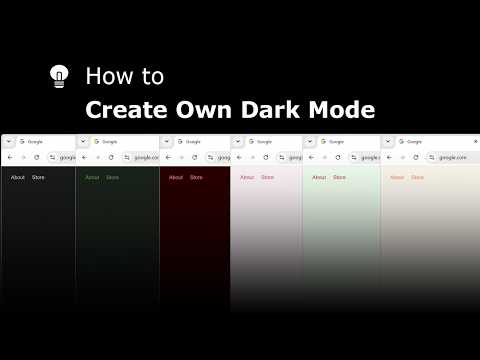
Explore and create your own Dark Mode theme with the Night Mode Themes Gallery
Turn Off the Lights
179 views · 23 days ago

How to Enable Linear Gradient Background in Safari on iPad #tutorial #ipad
Turn Off the Lights
116 views · 24 days ago