Dynamic Background: Animated Effects Behind the Dim Layer
Bubbles, raindrops, clouds and stars moving live behind your video
Why settle for a flat dark layer? Dynamic Background in the free Turn Off the Lights browser extension replaces it with a real-time animated scene, while the video stays sharp in front. It is the only browser extension with this effect, and it makes watching video uniquely immersive.
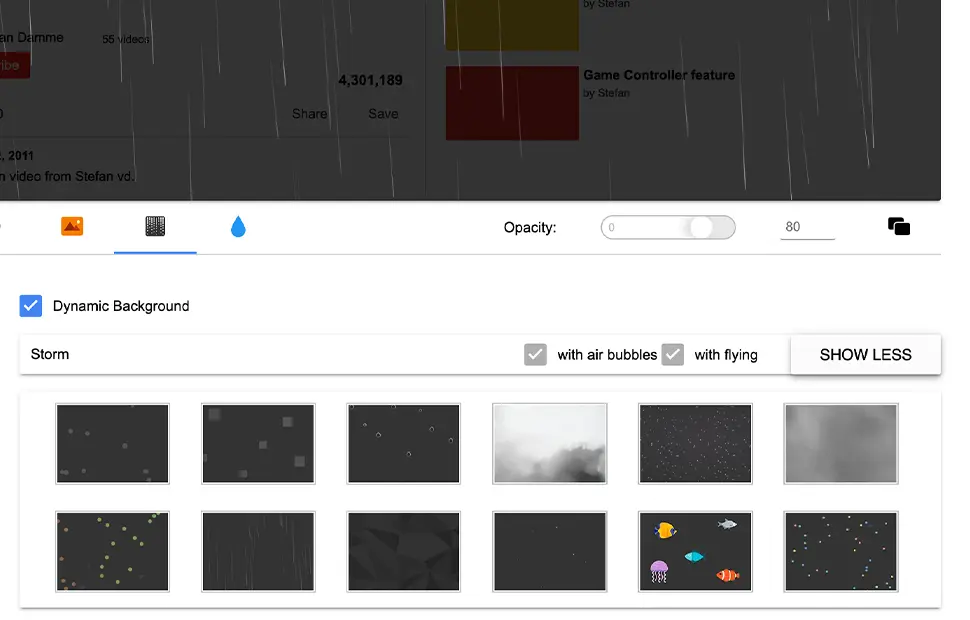
Five animated scenes to choose from
Fish Tank
Gentle water bubbles rise continuously across your screen, calm and hypnotic behind a video.
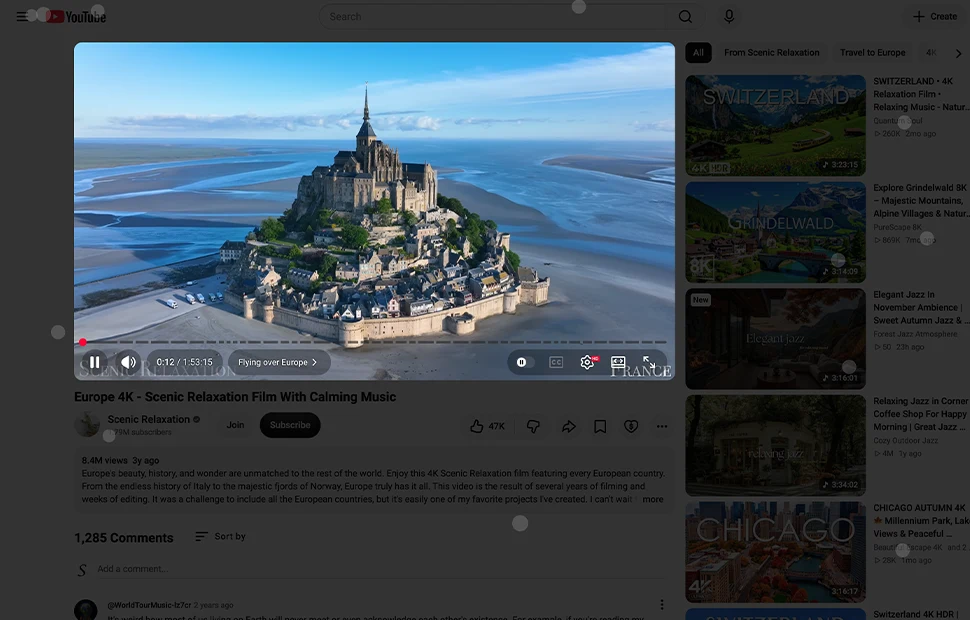
Pulsate Blocks
Square blocks pulse at random intervals across the whole screen, a rhythmic, ambient glow.
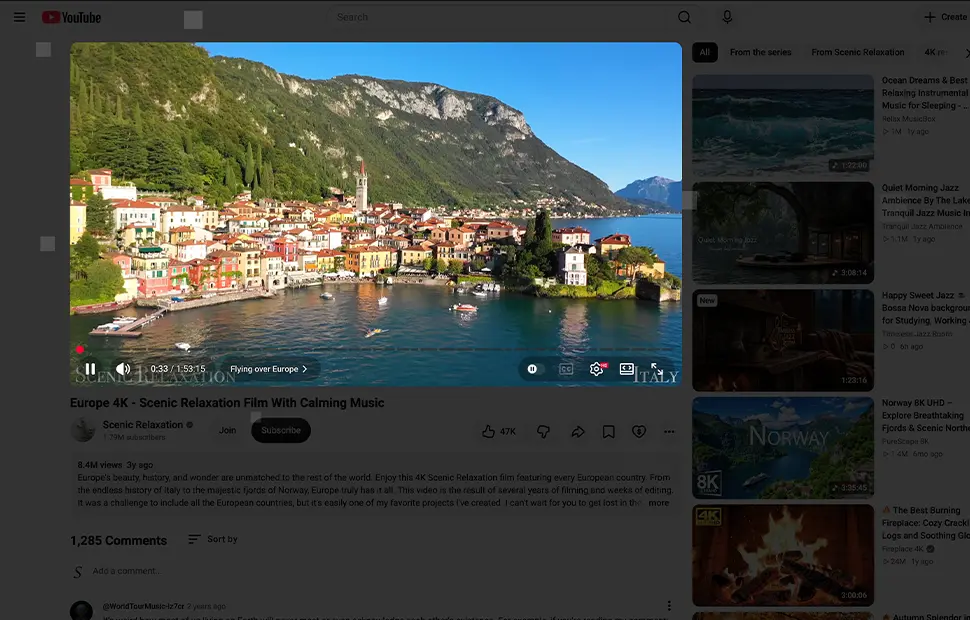
Raindrops
It will not rain in your home, but drops fall gently down your screen behind the video.
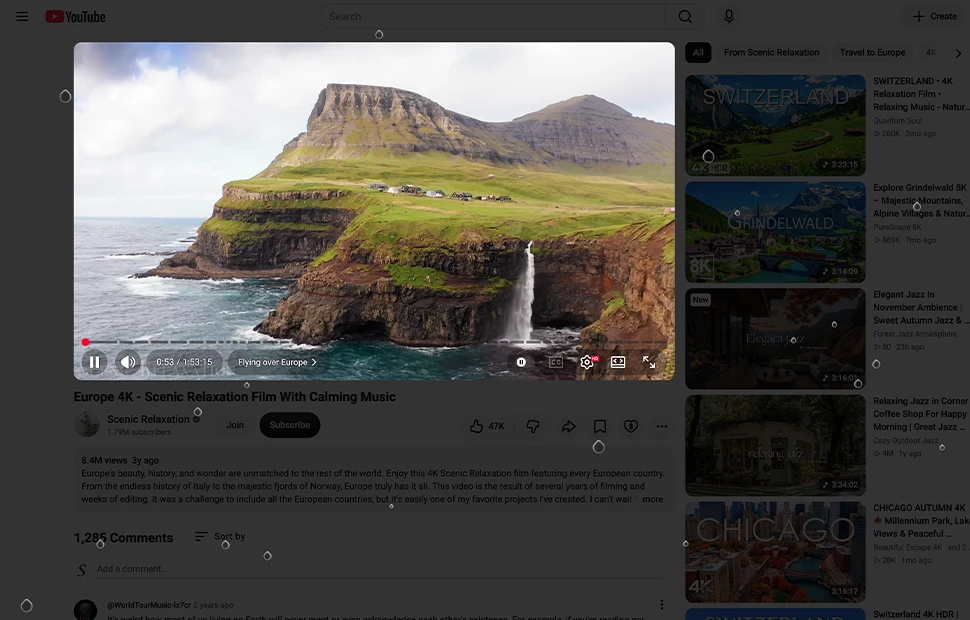
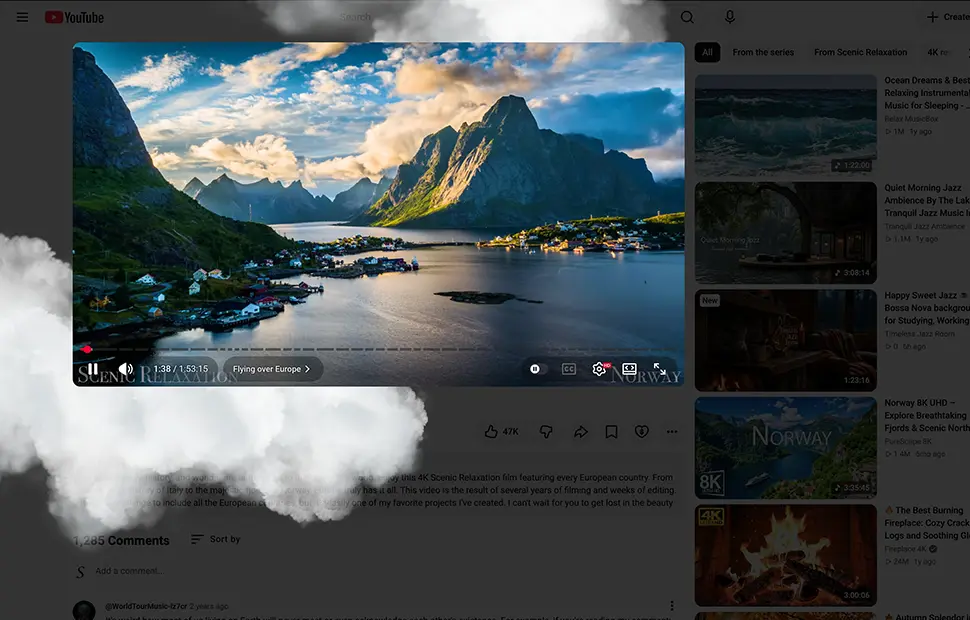
Cloud
Soft clouds drift slowly to new positions, a dreamy sky behind whatever you watch.
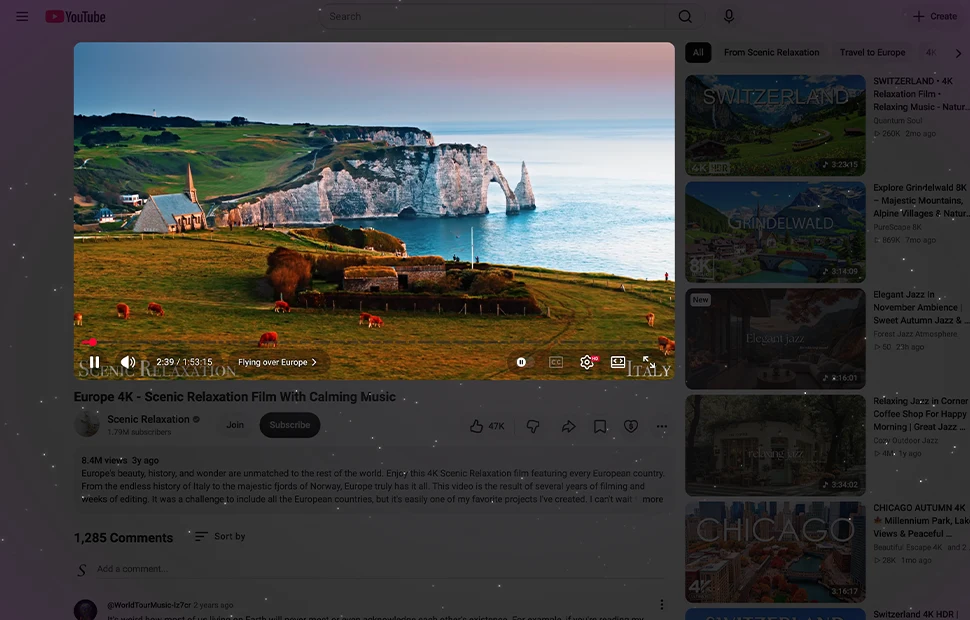
Space
The favorite: moving stars stream toward you like the view from a spaceship window.
Built for smooth animation
Dynamic Background is created entirely with HTML and CSS3 and uses the Mutation Observer API to react to page changes, advanced technology that simply disappears as you use it, keeping animation fluid in Chrome, Safari and Firefox.
How to enable a dynamic background
- Install the free Turn Off the Lights extension for Chrome, Firefox, Edge, Opera, Safari or your favorite browser.
- Right-click the gray lamp button, choose Options, and click Show More to see the dynamic backgrounds.
- Pick an effect, fish tank, blocks, raindrops, cloud or space, then dim the page and enjoy the show.
Frequently asked questions
How do I get an animated background behind my video?
Install the free Turn Off the Lights extension, open the options page, and pick a Dynamic Background effect such as fish tank, raindrops or space. When you dim the page, the animation plays behind the video.
What dynamic background effects are available?
Five animated scenes: Fish Tank with rising water bubbles, Pulsate Blocks, falling Raindrops, drifting Cloud, and Space with moving stars like a spaceship view.
Do the animations slow down the browser?
The effects are built with lightweight HTML and CSS3 and use the Mutation Observer API for smooth rendering in Chrome, Firefox and Safari, designed to stay fluid while you watch.
Is the dynamic background feature free?
Yes. It is included in the free and Open-Source Turn Off the Lights browser extension on Chrome, Firefox, Edge, Opera, Safari and other supported browsers.
Prefer a still image instead? See Black Opacity Layer. Download Turn Off the Lights and set your screen in motion.