
Customize the Black Opacity Layer
Color, background image, opacity and blur: make the dark layer yours
Online video is full of distractions around the player. The dark layer in the free Turn Off the Lights browser extension hides them, and the black opacity layer is fully customizable: pick any color, use your own wallpaper, tune the opacity, or blur the page instead.
Colors
Not a fan of black? The color picker offers thousands of colors for the layer, choose a deep red, a midnight blue or any shade that makes the extension feel personal.
Background image
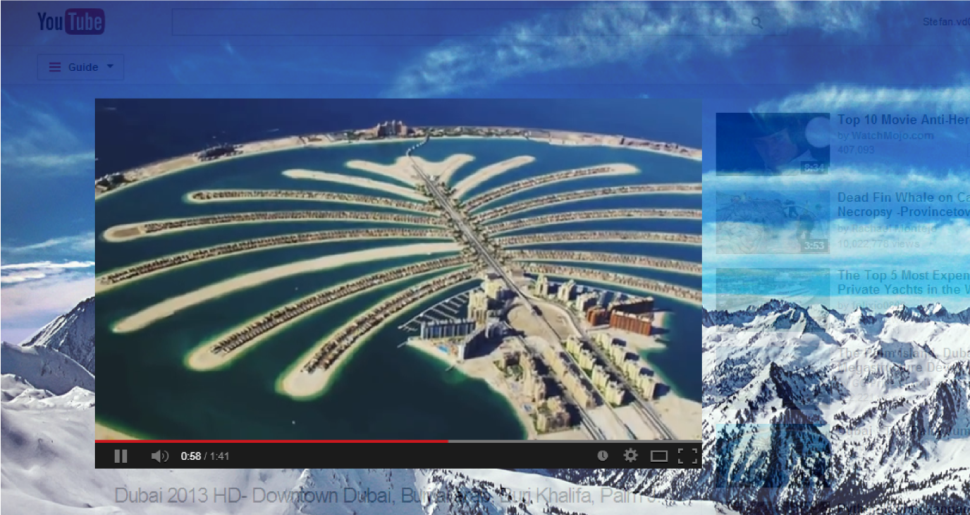
Prefer a wallpaper behind your video? Pick one of the five built-in backgrounds, cinema curtain, Africa sunrise, mountains, underwater or green forest, or paste the URL of any online image to use your own.
Opacity
The opacity slider controls how much of the page shows through the layer. Push it up to hide the website completely behind your color or image; lower it to keep surrounding elements faintly visible ideal when you still want a hint of the page context.
Gaussian blur
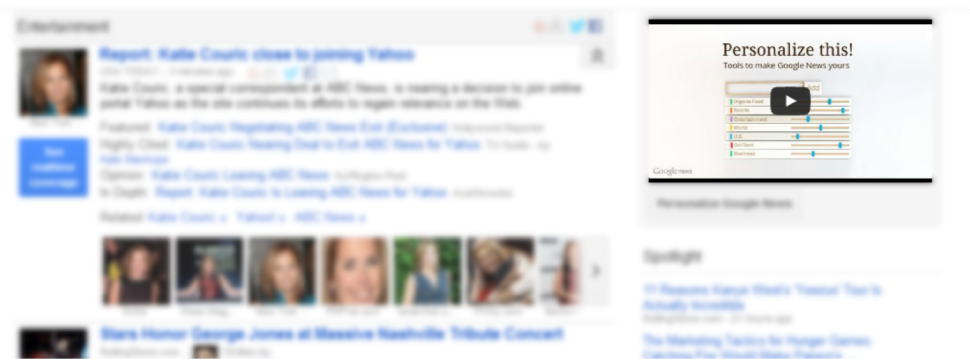
The blur option takes a different approach: a Gaussian blur filter covers the entire page while the video player stays perfectly sharp. Distractions melt away into a soft bokeh, beautiful and practical.
How to customize the layer
- Install the free Turn Off the Lights extension for Chrome, Firefox, Edge, Opera, Safari or your favorite browser.
- Right-click the gray lamp button and choose Options, the layer settings sit below the preview window.
- Pick a color or background image, set the opacity, and enable Blur if you want the soft-focus effect.
Frequently asked questions
Can I change the black dim layer to another color?
Yes. The Turn Off the Lights options page includes a color picker with thousands of colors, pick any shade for the layer that covers the page around the video.
Can I use an image as the dim background?
Yes. Choose one of the five built-in wallpapers, cinema curtain, Africa sunrise, mountains, underwater or green forest, or paste the URL of any online image to use your own.
What does the opacity setting do?
Opacity controls how much of the page shows through the layer. Raise it to hide the website almost completely behind the color or image; lower it to keep page elements faintly visible.
Can I blur the page instead of darkening it?
Yes. Enable the blur option and a Gaussian blur covers the whole page while the video player stays sharp, an even softer way to hide distractions.
One layer, endless looks, pair it with Dynamic Background for animated scenes. Download Turn Off the Lights and make it yours.