AutoDim: Dim the Page Automatically When a Video Plays
The lights go off the moment your video starts: no clicks needed
AutoDim is one of the most useful features in the free Turn Off the Lights browser extension. Instead of clicking the lamp button every time, AutoDim dims the page automatically the moment you press play on a YouTube or HTML5 video, and turns the lights back on when the video pauses or ends.
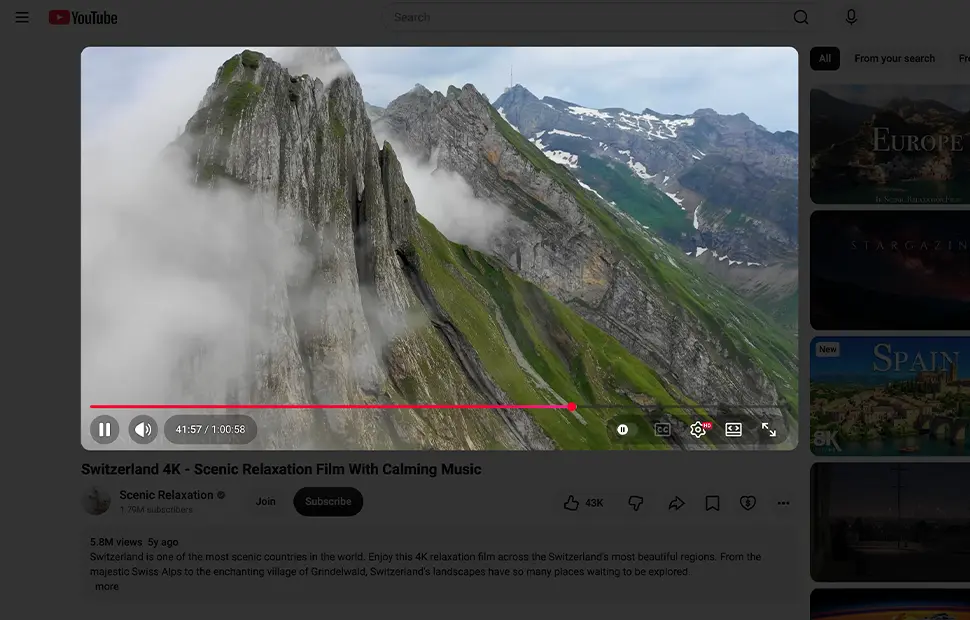
Dimming that follows the video
AutoDim watches the state of the video player. Press play and the dark layer slides down over everything except the video; pause or finish the video and the page brightens again by itself. The result is an effortless cinema effect on every video you watch, on YouTube and on HTML5 videos across the web.
Only on the sites you choose
Prefer automatic dimming on video sites only? You can limit AutoDim to your chosen websites, for example YouTube or Vimeo, so regular pages never dim on their own. For the reverse problem, videos that start on their own, see Stop YouTube Autoplay.
How to enable AutoDim
- Install the free Turn Off the Lights extension for Chrome, Firefox, Edge, Opera, Safari or your favorite browser.
- Right-click the gray lamp button and choose Options to open the options page.
- Below the preview window, enable the AutoDim checkbox, the page now dims automatically whenever a video plays.
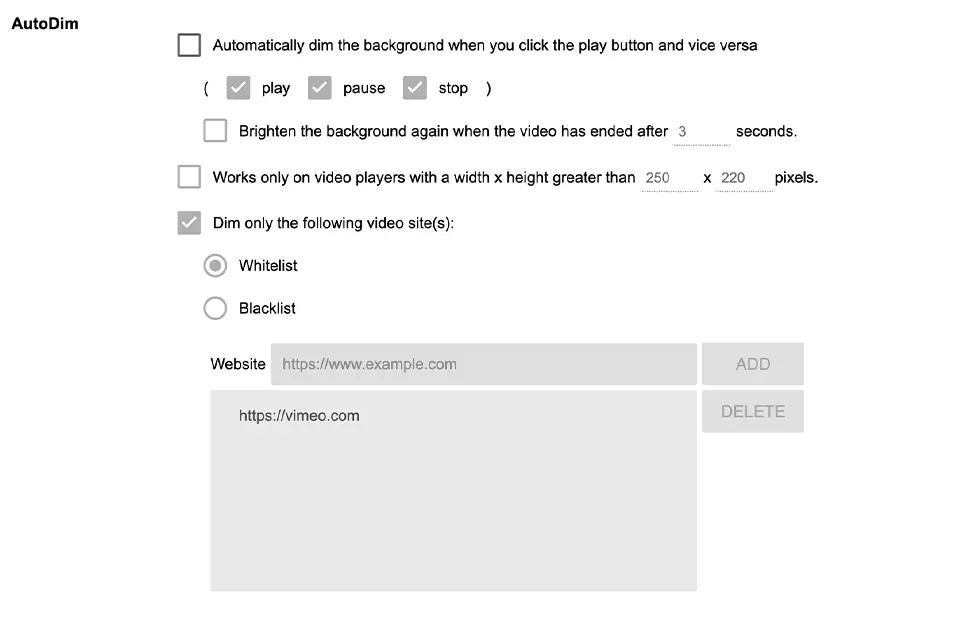
Frequently asked questions
How do I make the page dim automatically when a video plays?
Install the free Turn Off the Lights extension and enable the AutoDim option. Every time a YouTube or HTML5 video starts playing, the page dims automatically, no lamp button click needed.
Do the lights come back on when the video pauses?
Yes. When you pause the video or it ends, the dark layer slides away and the page returns to normal, dimming follows the video state automatically.
Can I use AutoDim only on certain websites?
Yes. You can limit automatic dimming to your chosen websites, for example only on YouTube or Vimeo, so other pages never dim on their own.
Is the AutoDim dim feature free?
Yes. It is included in the free and Open-Source Turn Off the Lights browser extension on Chrome, Firefox, Edge, Opera, Safari and other supported browsers.
A beautiful, effortless feature, test it yourself. Download Turn Off the Lights for your favorite browser today.