
HTML5 Video Detection on Any Website
The extension finds the video player for you: one click dims everything else
The most advanced technology inside the free Turn Off the Lights browser extension is its video detection. The extension scans every web page for HTML5 video player elements, including players on YouTube, Vimeo and Dailymotion, so that when you click the lamp button, the rest of the page dims and the video stays highlighted in front.
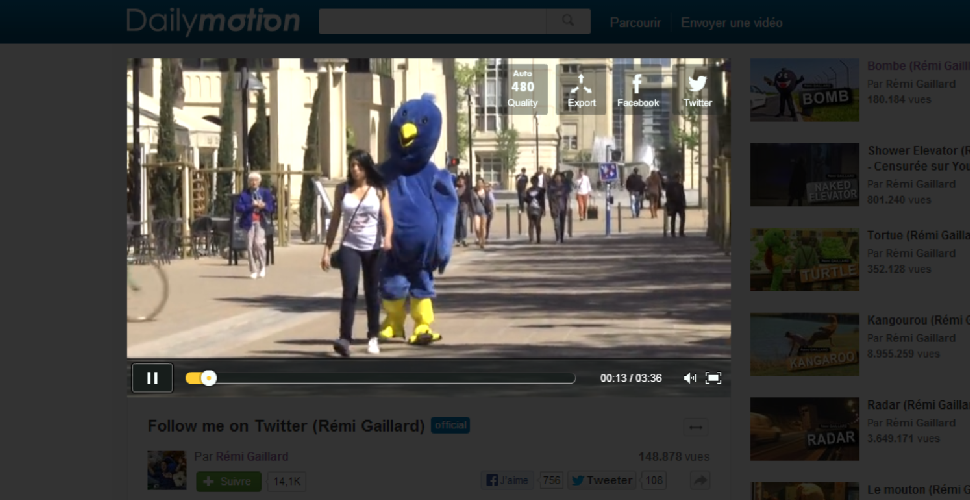
How video detection works
When the page loads, Turn Off the Lights searches the document for video player elements, the standard HTML5 video tag used by virtually every modern video site. Dim the page and the detected player remains bright and fully interactive above the dark layer, while everything around it fades away. It works on dedicated video sites and on embedded videos inside news articles, social feeds and learning platforms.
What if a video is not detected?
Almost every modern player is found automatically. For unusual or legacy player setups, the Turn Off the Lights options page includes an extra detection option that searches the page more deeply for additional player objects and highlights those too. Earlier versions of the extension even supported old Flash players, today the focus is fully on the modern HTML5 standard every browser uses.
How to use automatic video detection
- Install the free Turn Off the Lights extension for Chrome, Firefox, Edge, Opera, Safari or your favorite browser.
- Open any page containing an HTML5 video, detection runs automatically in the background.
- Click the gray lamp button in your toolbar: the page dims and the detected video player stays highlighted.
Frequently asked questions
How does the extension find the video on a page?
Turn Off the Lights scans the page for HTML5 video player elements, including players on YouTube, Vimeo and Dailymotion, and keeps those elements above the dark layer when you dim the page.
What if a video is not detected?
Most HTML5 video players are detected automatically. If a player is built in a non-standard way, you can enable additional detection in the Turn Off the Lights options page to search for more player types.
Does video detection work on embedded videos?
Yes. The detection covers embedded HTML5 video elements, such as videos inside news articles, social feeds and learning platforms, not only the main player on dedicated video sites.
Is the video detection feature free?
Yes. It is built into the free and Open-Source Turn Off the Lights browser extension on Chrome, Firefox, Edge, Opera, Safari and other supported browsers.
Detection is what makes the one-click cinema experience possible, pair it with Movie Theater Mode and Atmosphere Lighting. Download Turn Off the Lights for your favorite browser today.