
Turn Off the Lights bookmarklet — dim any page in one click
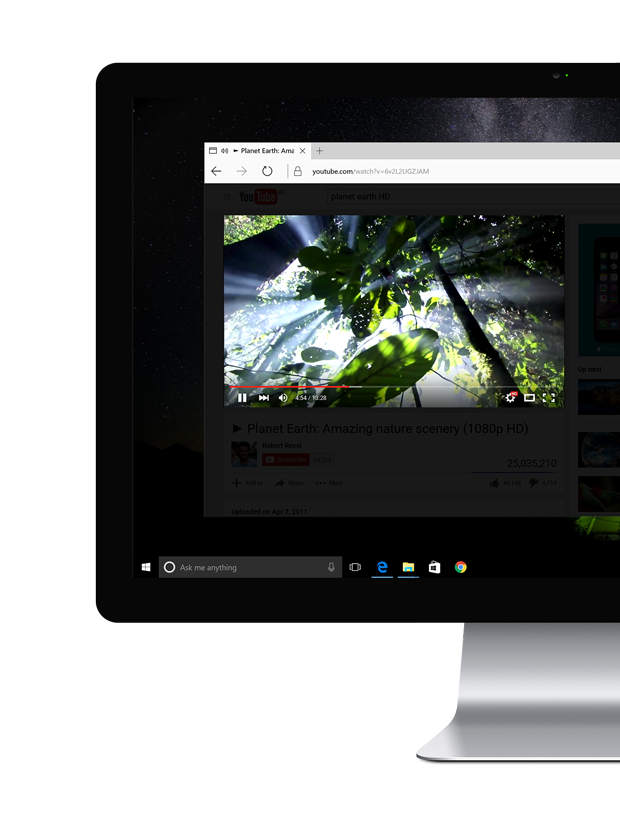
Install the Turn Off the Lights bookmarklet — drag the blue download button into your bookmarks toolbar and that's all. Click "Turn Off the Lights" and it dims the page, highlighting the video player automatically.
 Bookmarks
Get the Ultimate bookmark for all your favorite web browsers
With this bookmark file, you can dim the content in your web browser. And highlight the video player, if it is available on that website. So this free bookmark can help you concentrate on the video content, and hide the distraction around this content. Also, it helps you dim the screen when the light is too bright for your eyes. That all in one single bookmarks file. To get the maximum and ultimate video experience, you can install the Turn Off the Lights Browser extension. That is number #1 YouTube extension for customizing the YouTube website, and also beyond this video platform. It has many powerful features inside such as the take a screenshot from the highest‑quality video, dynamic change the volume of the current video player with a mouse scroll, atmosphere light effect around the video player, etc. You've never experienced anything like this that so unique. Do you want a tremendous digital video experience that extends the YouTube video watching experience? Install it Now!
- Move your mouse on top of the Turn Off the Lights button
- And drag this to your bookmark bar
- Open now a YouTube video, and with a single click on the bookmark it dims the web page and highlights the video player