Table of Contents
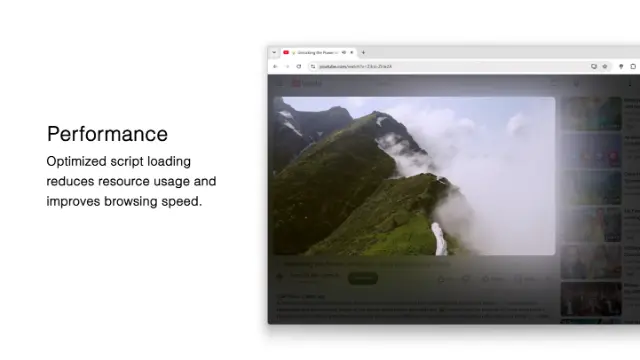
This Turn Off the Lights browser extension update is all about performance.
The browser extension continues to keep its promise of simplicity: dim the web page with a single click, while offering many useful options for users who want to customize their browsing experience. With these features, you can get the best video and web experience in your favorite web browser.
Improved Performance
With the new version 4.7 release, the Turn Off the Lights browser extension reduces main thread usage by up to 60% compared to the previous version.
Each major feature now has its own JavaScript file. Since most users do not use every feature, this approach prevents a large script from being injected unnecessarily into web pages. As a result, web pages can load faster, and the browser extension has a smaller impact on performance.
New Feature
Shake Mouse to Dim
A new Shake Mouse feature is now available in the Turn Off the Lights Options page.
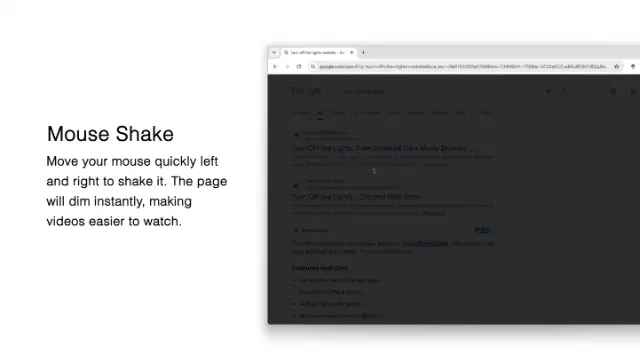
Once enabled, simply give your mouse a slight shake over the web page to dim the page. Shake your mouse again to remove the dark layer.
You can also customize the shake sensitivity in the Options page, allowing you to choose the setting that feels most comfortable for you.
Improved Chrome Policy Support
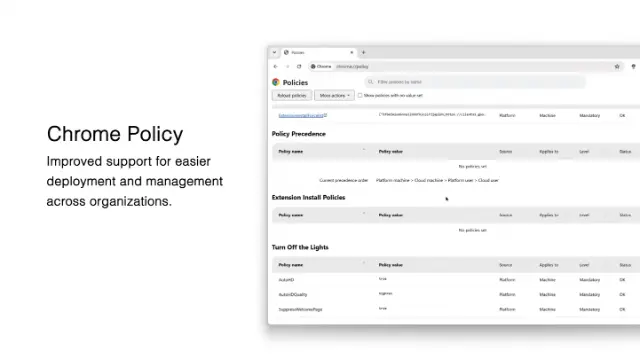
Turn Off the Lights Chrome extension version 4.7 also introduces improvements to its Chrome Policy support.
Schools, organizations, and enterprises can now enable the Night Mode feature through Chrome policies. Administrators can also configure Night Mode to work only on a specific whitelist of websites.
This gives organizations more control over how dark mode is used, making it possible to provide a consistent dark-mode experience on selected websites.
Conclusion
Turn Off the Lights is a free and Open-Source browser extension designed to give you a simpler, more comfortable web and video experience. And free to get for Google Chrome, Firefox, Opera, Safari, Microsoft Edge, Samsung Internet, and Naver Whale web browsers.
Your support helps us continue developing and maintaining this project for all major web browsers.
If you enjoy using Turn Off the Lights, please consider making a small donation; even $1 makes a difference. Your contribution helps us continue supporting and improving this free and open-source project.
Thank you for supporting Turn Off the Lights!