
Table of Contents
Introduction
Want Pinterest dark mode on your PC or Mac? The Pinterest app for iPhone and Android includes a built-in dark theme, but the pinterest.com website does not. With the free and open-source Turn Off the Lights browser extension, you get a real dark theme on the Pinterest website in one click. And from the Options page you can customize the dark theme to your own style: background color, text color, and hyperlink colors.
Does Pinterest have a dark mode?
Pinterest offers a dark theme in its mobile app, but the website has no official dark mode for desktop. To browse pinterest.com in dark mode on your computer, install the free Turn Off the Lights browser extension and enable the Night Mode feature.
Dark mode in the Pinterest app (iPhone and Android)
The Pinterest mobile app does include an official dark mode. On iPhone: open Pinterest, tap your profile picture, then the settings icon, “Account management”, “App theme”, and choose “Dark”. On Android, Pinterest follows your system theme: enable dark mode in your phone settings and the app switches automatically. For the pinterest.com website on your computer, the only option is a browser extension such as Turn Off the Lights, as explained below.
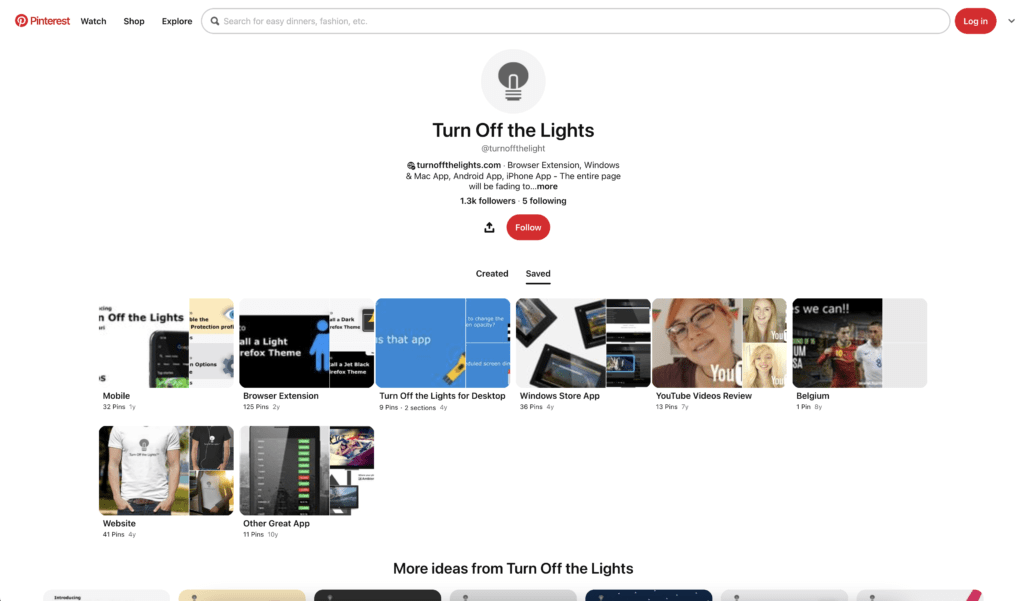
Pinterest in Light Mode
Before the theme on the Pinterest website.
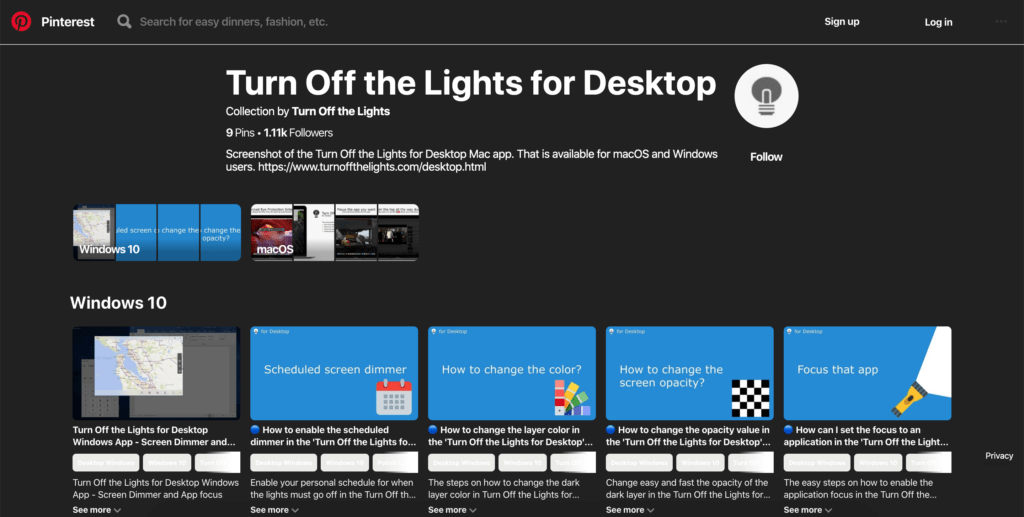
Pinterest in Dark Mode
The after-the-dark theme is enabled on the Pinterest website.
Free and Open-Source
Solution: Activate Pinterest Dark Mode
With one powerful extension, you get the new Pinterest Dark Mode in your favorite web browser. Follow the steps below on how to activate this feature:
- Install the free and Open-Source Turn Off the Lights Browser extension
- For Google Chrome, Firefox, Opera, Microsoft Edge
- Click right on the gray lamp button
- Select the menu item Options
- For Safari
- Open the “Turn Off the Lights for Safari” app from the Launchpad or from the Application folder
- And click below in this window on the button Options
- For Google Chrome, Firefox, Opera, Microsoft Edge
- When the options page is open., click on the tab Night Mode
- Enable the checkbox to make the Night switch visible on each web page or scroll further down to enable the checkbox to automatically convert the page to night theme each time you open a new page
Site Access (only to Pinterest Dark Mode)
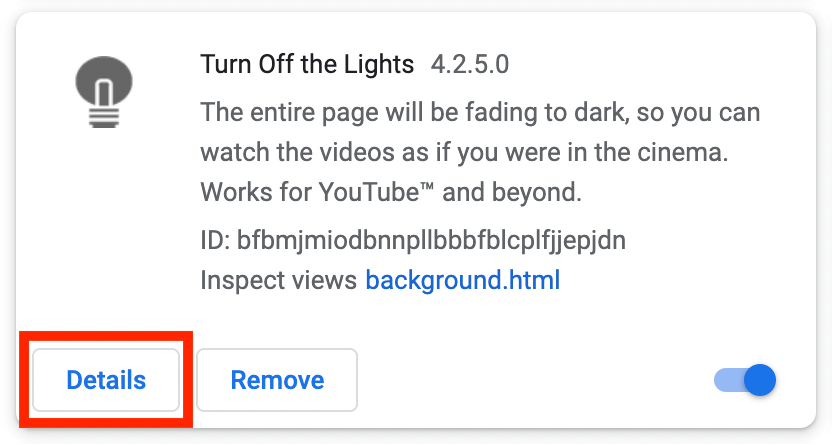
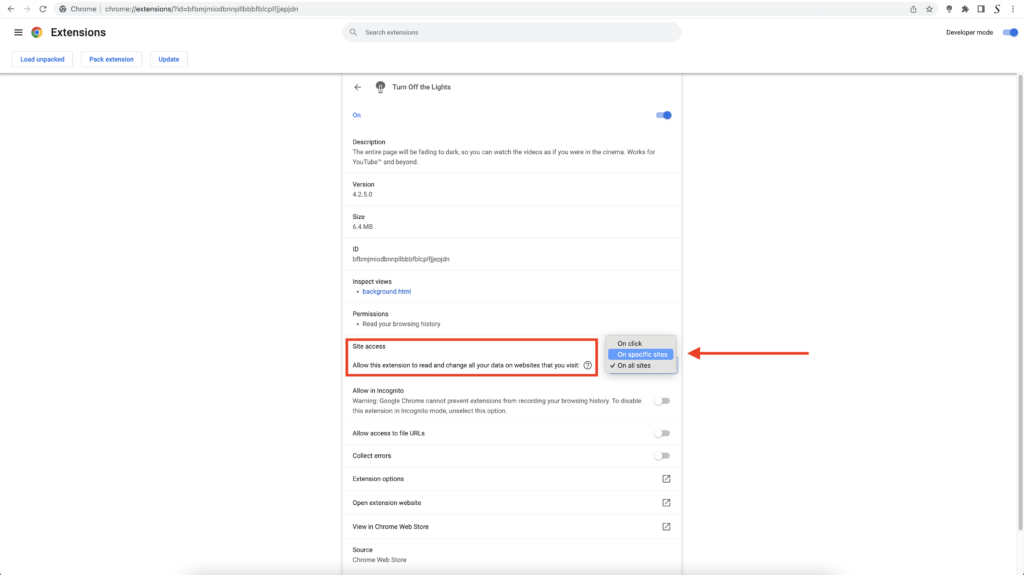
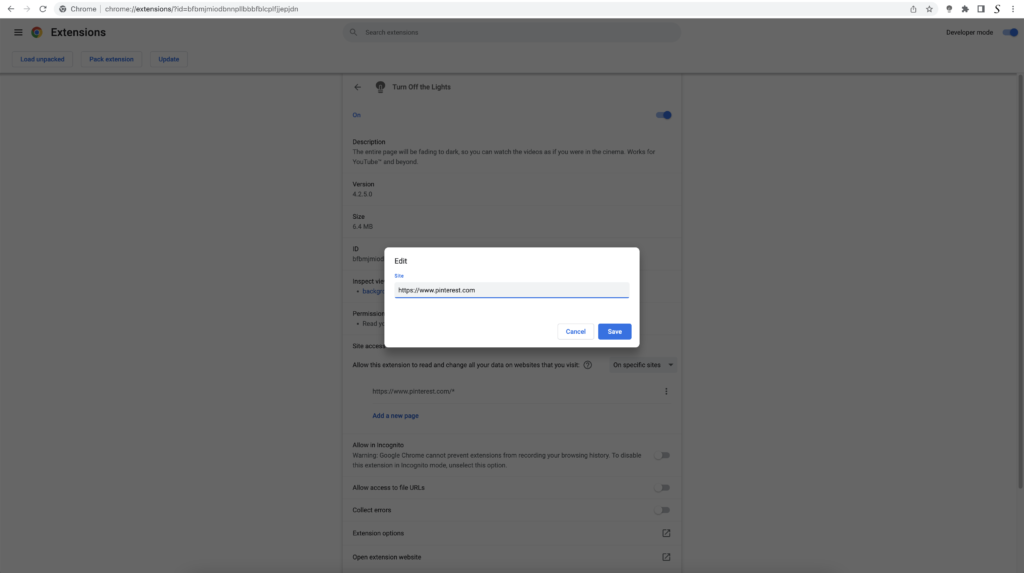
- When you are done, click on the blue Add button to close this panel
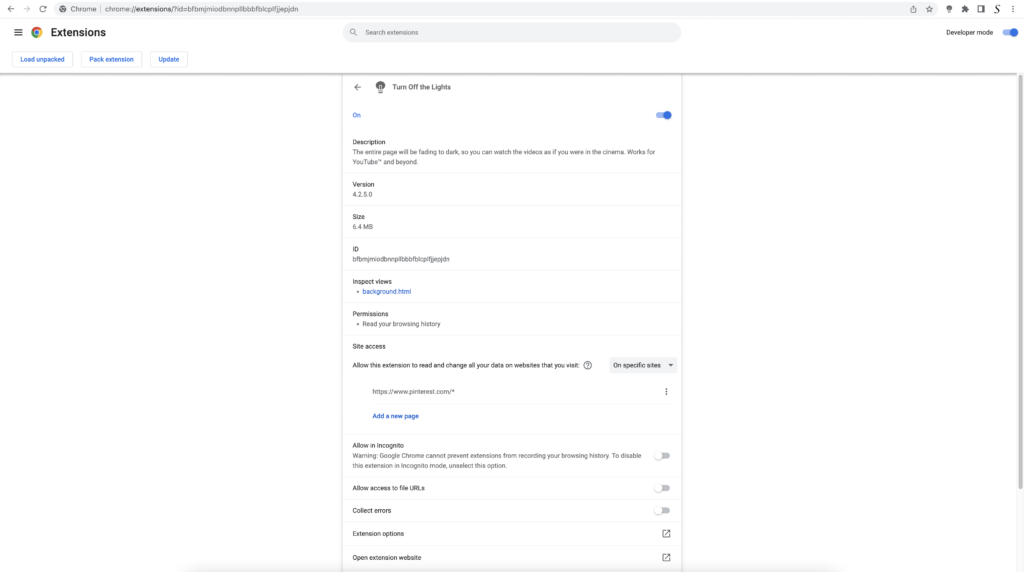
So now the Pinterest Dark Mode website works only on this website URL, and not on all the other websites. Such as on YouTube, Vimeo, Amazon shopping, Internet banking, etc. websites.
YouTube video
Here is a useful tutorial video on how you can enable Pinterest Dark Mode in your web browser:
Conclusion
Hope that will answer one of your questions about the Pinterest Dark theme:
- How do I turn on dark mode on Pinterest?
- How do I make Pinterest dark on my computer?
- Does Pinterest have a dark mode on desktop?
- How to make Pinterest dark mode?
If you find it useful, you can share the link on Facebook or share the link on X. So your family, friends, or colleagues can know about this handy free tool.
Pinterest Dark Mode FAQ
🌚 Is there Pinterest dark mode?
🖤 Why did my Pinterest turn black?
🌑 How do I change my theme on Pinterest?
🕸 Does the Night Mode feature work on all websites?
Does Pinterest have a dark mode on desktop?
How to switch to dark mode on Pinterest
Video tutorials
🕯How to enable the Night Mode feature? REMARKABLE OPTION! 🌃🌚
This video explains how to enable the Night Mode feature in Turn Off the Lights Browser Extension Version 4?Get it Now! https://www.turnoffthelights.comTurn …
🔵How to enable Pinterest Dark Mode?
In this video, we'll show you exactly How to Enable Pinterest Dark Mode using the popular "Turn Off the Lights" browser extension. Pinterest's Dark Mode prov…
Did you find technical, factual or grammatical errors on the Turn Off the Lights website?
You can report a technical problem using the Turn Off the Lights online technical error feedback form.
