
Table of Contents
Introduction
Do you want to Create a YouTube Account? Creating a YouTube account is a necessary step to access various features and functionalities on the platform. Whether you want to like a video, subscribe to a YouTube channel, add videos to your Watch Later list, or review your Watch History, having a YouTube account enables you to do all these tasks seamlessly. Fortunately, the process of creating a YouTube account is incredibly simple and can be completed within just a few minutes. In this article, we will guide you through the steps required to create a Google account that is connected to all the services offered by Google, including YouTube, Gmail, Google AdSense, Google AdWords, Google Docs, and Google Maps.
Step 1: Create a YouTube Account on Desktop Web Browser
If you prefer using a desktop web browser, follow these steps to create a YouTube account:
- Go to www.youtube.com to create a new account
- Click Sign in in the upper right corner of YouTube
- Click Create Account
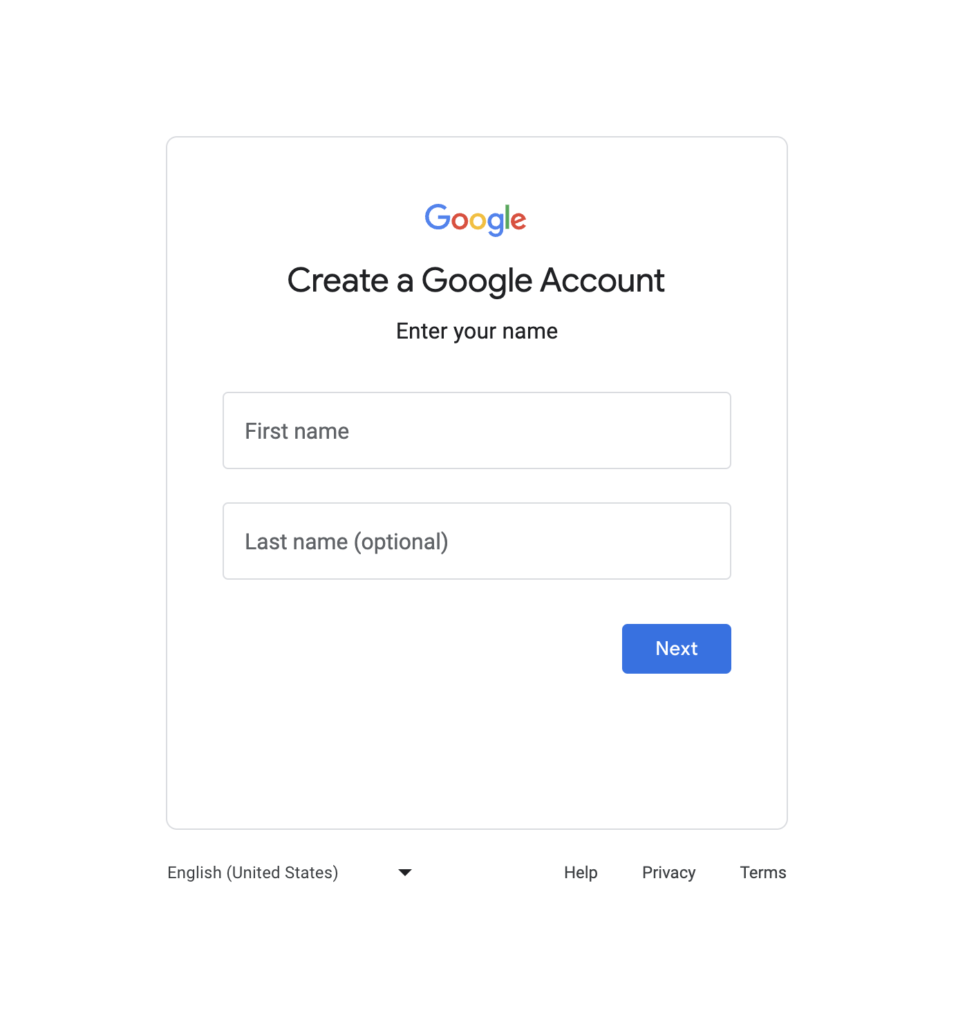
Step 2: Create a YouTube Account on Mobile Web Browser
For those using a mobile device, the process of creating a YouTube account is slightly different. Here are the steps you need to follow:
- In a browser, go to the YouTube mobile site
- Touch the
 Guide and go to Sign in
 - Select Create an account
Step 3: Account Creation Process
Once you have selected the appropriate option based on your device, you will be directed to the Google account creation process. Follow the on-screen instructions to complete the required fields, including your name, desired email address, password, phone number, and any other requested information. Ensure that you provide accurate details to secure your account effectively.
After filling out the necessary information, review the terms of service and privacy policy provided by Google. It is crucial to understand and accept these terms to proceed with creating your YouTube account.
Once you have successfully created your Google account, it will automatically be linked to YouTube. You can now enjoy all the features and benefits that come with having a YouTube account, such as interacting with videos, subscribing to channels, and exploring personalized recommendations.
Enhance Your Video Experience with the Turn Off the Lights Browser Extension
To make your video-watching experience on YouTube even more captivating, consider using the “Turn Off the Lights” browser extension. This powerful tool enhances your viewing environment by providing atmospheric lighting effects that complement the content of the video player. It truly brings your videos to life!
Furthermore, the Turn Off the Lights browser extension offers a remarkable feature: the ability to capture a screenshot of the current HTML5 video. You can easily share this frame with your family and friends, adding an extra level of enjoyment to your video-sharing experiences.
Conclusion
Creating a YouTube Account is a straightforward process that enables you to unlock a world of possibilities on the platform. By following the simple steps outlined above, you can create a Google account effortlessly, which automatically grants you access to YouTube and other Google services. Remember to enhance your video-watching experience by utilizing the “Turn Off the Lights” browser extension. Start enjoying all that YouTube has to offer today!
Did you find technical, factual or grammatical errors on the Turn Off the Lights website?
You can report a technical problem using the Turn Off the Lights online technical error feedback form.
