
Table of Contents
Focus Mode for Video Editing is a game changer for YouTubers, filmmakers, and digital creators who need uninterrupted concentration.
Editing requires deep creative immersion. But exporting clips, reviewing drafts on YouTube, or studying references online exposes creators to endless distractions.
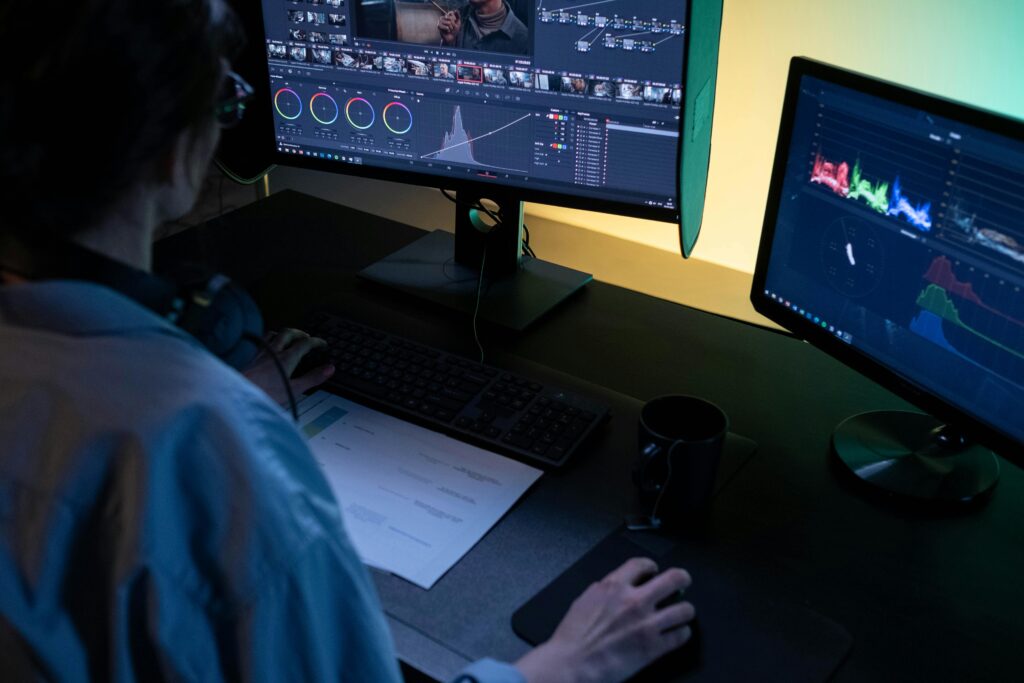
The Flow State Problem
Creative flow requires:
- Clear goals
- Immediate feedback
- Zero interruptions
One suggested video thumbnail can derail 30 minutes of creative momentum.
Theater-style dimming eliminates temptation loops.
Use Cases for Creators
- Reviewing private YouTube uploads
- Studying competitor content
- Watching tutorial breakdowns
- Evaluating footage playback
Focus mode transforms YouTube into a distraction-free editing room.
Why Immersion Fuels Creativity
Creativity thrives in environments that:
- Reduce noise
- Emphasize primary content
- Minimize peripheral clutter
The darker surroundings enhance perceived contrast and narrative immersion.
Creator Workflow Upgrade
- Upload draft video.
- Activate focus mode.
- Watch critically.
- Take timestamp notes.
- Iterate immediately.
Result:
- Faster feedback cycles
- Improved storytelling clarity
- Better pacing decisions
Final Thoughts
Focus Mode for Video Editing doesn’t just protect your eyes.
It protects your creative energy.
And in the creator economy, focus equals competitive advantage.
Thereby, use the premium Turn Off the Lights for Desktop on macOS and Turn Off the Lights for Desktop on Windows to dim your computer screen, and focus on the selected application on your screen.
Did you find technical, factual or grammatical errors on the Turn Off the Lights website?
You can report a technical problem using the Turn Off the Lights online technical error feedback form.
