Camera Motion Turn Off the Lights Browser Extension
SubscribeA new feature is available in the Turn Off the Lights Browser extension. Camera Motion is a new way to dim the lights on a web page. Just with the movement of your hand (or wrist) from up to down. It makes the web page dark. For more information, go to https://www.turnoffthelights.com Overview in this YouTube video: 00:00 Intro 00:10 Camera Motion 00:34 End TRY IT NOW ON GOOGLE CHROME: https://chrome.google.com/webstore/detail/turn-off-the-lights/bfbmjmiodbnnpllbbbfblcplfjjepjdn Don't forget to share this video with everyone, and enjoy this free browser extension! Please use and enjoy it, and if you can make a donation of any amount, I'd appreciate it immensely https://www.turnoffthelights.com/donate/

How to Enable Eye Protection in Safari on iPad | Safari Extension
Turn Off the Lights
181 views · 5 days ago

How to Enable Dynamic Background in Safari on iPad | Safari Extension
Turn Off the Lights
107 views · 5 days ago
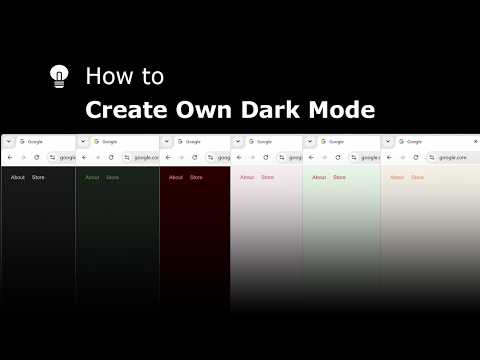
Explore and create your own Dark Mode theme with the Night Mode Themes Gallery
Turn Off the Lights
111 views · 5 days ago

How to Enable Linear Gradient Background in Safari on iPad #tutorial #ipad
Turn Off the Lights
86 views · 6 days ago

How to Enable Blur in Safari on iPad #turorial #ipad
Turn Off the Lights
247 views · 7 days ago

Get Smoke Dynamic Background in Safari on iPad #tutorial #ipad
Turn Off the Lights
113 views · 8 days ago

Get Cloud Dynamic Background in Safari on iPad #tutorial #ipad
Turn Off the Lights
107 views · 9 days ago
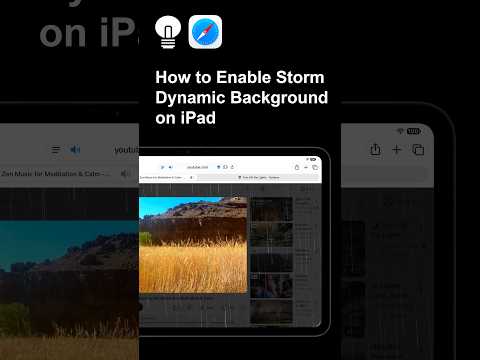
Get the Storm Dynamic Background effect in Safari on iPad #tutorial #ipad
Turn Off the Lights
88 views · 10 days ago

How to Enable Dynamic Background in Safari on iPad #tutorial #ipad
Turn Off the Lights
123 views · 11 days ago

How to Change the Lamp Button on iPad | Safari Extension
Turn Off the Lights
296 views · 12 days ago