
Télécharger l'extension Turn Off the Lights pour Chrome
Installez l'extension Turn Off the Lights pour Chrome ! D'un simple clic sur le bouton de la lampe, la page s'assombrit et le lecteur vidéo est automatiquement mis en évidence.
Regardez comment installer "Turn Off the Lights pour Chrome"
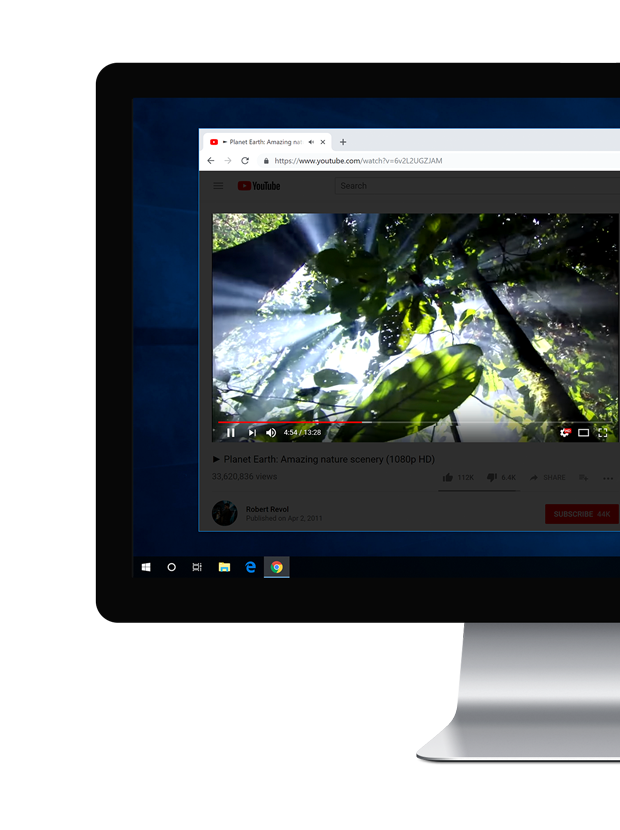
Découvrez l'outil ultime dans votre Chrome
Chrome est un navigateur web populaire. Et avec l'extension Turn Off the Lights, vous obtenez une excellente expérience vidéo. C'est l'extension numéro 1 pour personnaliser YouTube, et au-delà. Elle offre de nombreuses fonctionnalités puissantes comme la capture d'écran vidéo haute qualité, le changement dynamique du volume avec la molette de la souris, l'éclairage d'ambiance autour du lecteur vidéo, etc. Et personnalisez votre propre mode sombre pour Chrome sur tous les sites web. Vous n'avez jamais rien expérimenté d'aussi unique. Voulez-vous une expérience vidéo numérique exceptionnelle qui prolonge votre expérience YouTube ? Installez-la maintenant !
- Allez sur le Chrome Web Store et ouvrez la page Turn Off the Lights
- Cliquez sur le bouton bleu Ajouter à Chrome pour installer l'extension Chrome dans votre navigateur
- Ouvrez maintenant une vidéo YouTube, et d'un simple clic sur le bouton de la lampe grise, la page web s'assombrit et le lecteur vidéo est mis en évidence
Pour en savoir plus sur les fonctionnalités de l'extension, consultez notre Guide de bienvenue Turn Off the Lights ou les vidéos tutoriels YouTube. Ainsi, vous pouvez découvrir et expérimenter les nouvelles fonctionnalités qui rendent votre expérience web plus agréable. Et si vous rencontrez un problème ou avez besoin d'aide, n'hésitez pas à nous contacter sur cette page de support.
Découvrez l'outil ultime dans votre Chrome
🧩 Is Turn Off the Lights a Free Chrome extension?
Yes, the Turn Off the Lights is a free and open-source Chrome extension for your Google Chrome web browser. And it a gray lamp button in your web browser. So you can dim the current web page, and highlight the video player if it is available on this web page.
🛡 Do you inject ads on all websites when I install this Chrome extension?
No, we take the privacy of our users very seriously. And the Turn Off the Lights Chrome extension will not do these bad activities. Furthermore, there is no Google Analytics script inside that detects the user browser activity.
🕶 Can I keep the dark layer always enabled?
Yes, in the Turn Off the Lights Options page at the Advanced Options tab you can enable this option. Then it will automatically dim the current web page when you open a new tab or click on a hyperlink.
🌃 Can It also convert the website to a night theme?
Yes, you can enable the Night Mode option in the Turn Off the Lights Options page. That will convert all websites stylesheet to your personal night theme with a single click on the switch or with a long press on the current web page.